Smoke Shop POS

Smoke Shop POS System for Fast Billing and Clear Inventory

A smoke shop counter moves fast when staff can scan the right product, charge the accurate price, and keep stock updated after each sale. AlterPOS brings that workflow together through an on-premise POS hardware and software setup built for daily smoke shop operations.

Book a POS Demo
SMOKE SHOP CHECKOUT
Live
Disposable Vape-Mango Ice Vape
$18.00
Cigarillos-Honey Pack Cigar
$9.50
Rolling Papers-Classic Papers
$3.50
Total $31.00
42 Sales Today
$2.6k Revenue
98% Stock Match
Stock Updated
Disposable Vape — Restocked
Low Stock Alert
Mint Pods — 3 left

Common Challenges

Smoke Shop Counters Need More Than Basic Billing

Smoke shop products can look similar, even when the price or category is different. During busy hours, one wrong selection can affect the bill, receipt, and stock count, which is why a smoke shop POS system needs to support more than basic billing.

Slow Lines

Quick purchases should not turn into long waits. A faster counter flow helps staff scan, bill, and complete the sale with fewer steps.

Hidden Stock

Small items can run out before the owner notices. Inventory tracking makes low stock products easier to catch early.

Staff Gaps

When different staff handle the counter, activity can become hard to review. Staff access control keeps daily work easier to track.

Variant Confusion

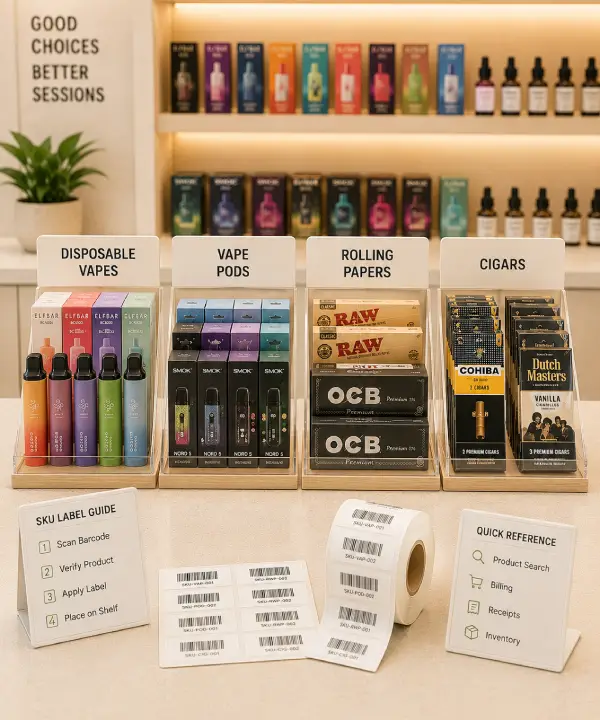
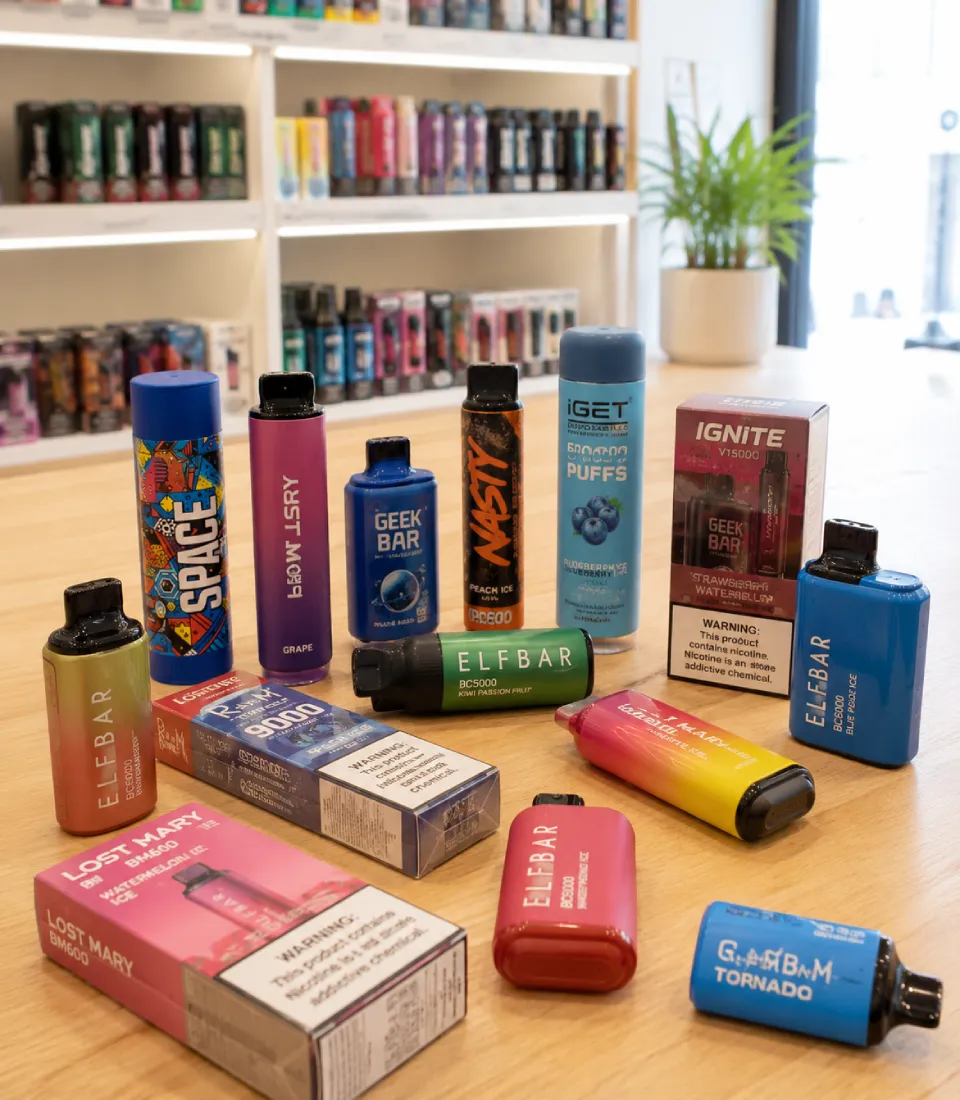
Vape products come in multiple flavors, nicotine levels, and sizes. Without clear SKU separation, similar-looking products get mixed up at the counter.

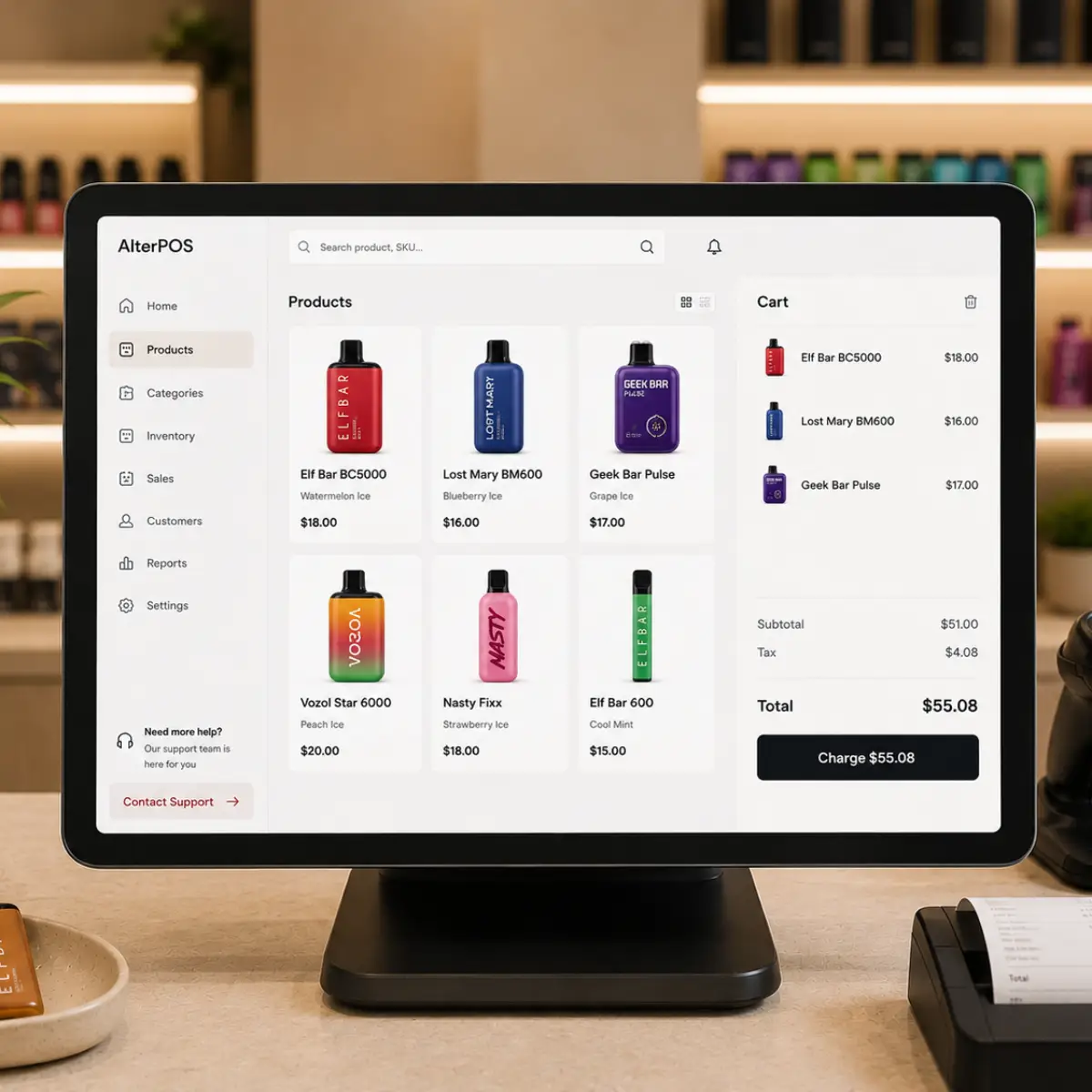
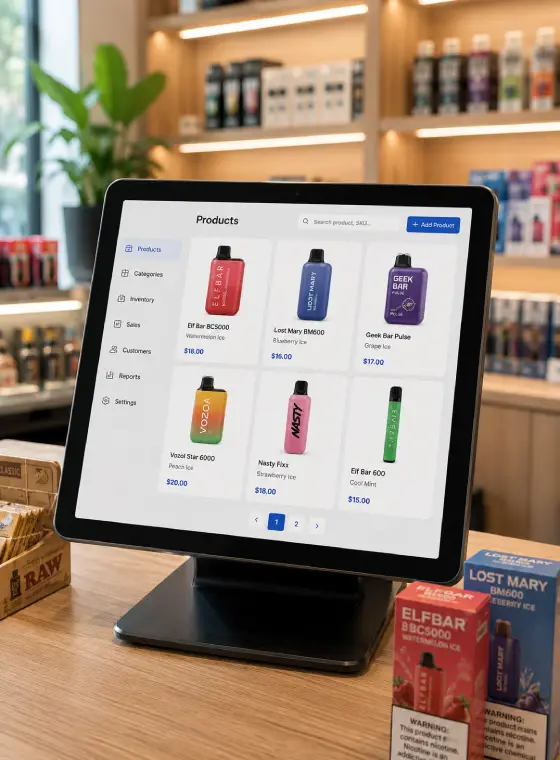
Similar vape products causing checkout confusion Smoke shop POS product catalog dashboard

Counter Control

A POS System for Smoke Shop Sales, Stock, and Daily Control

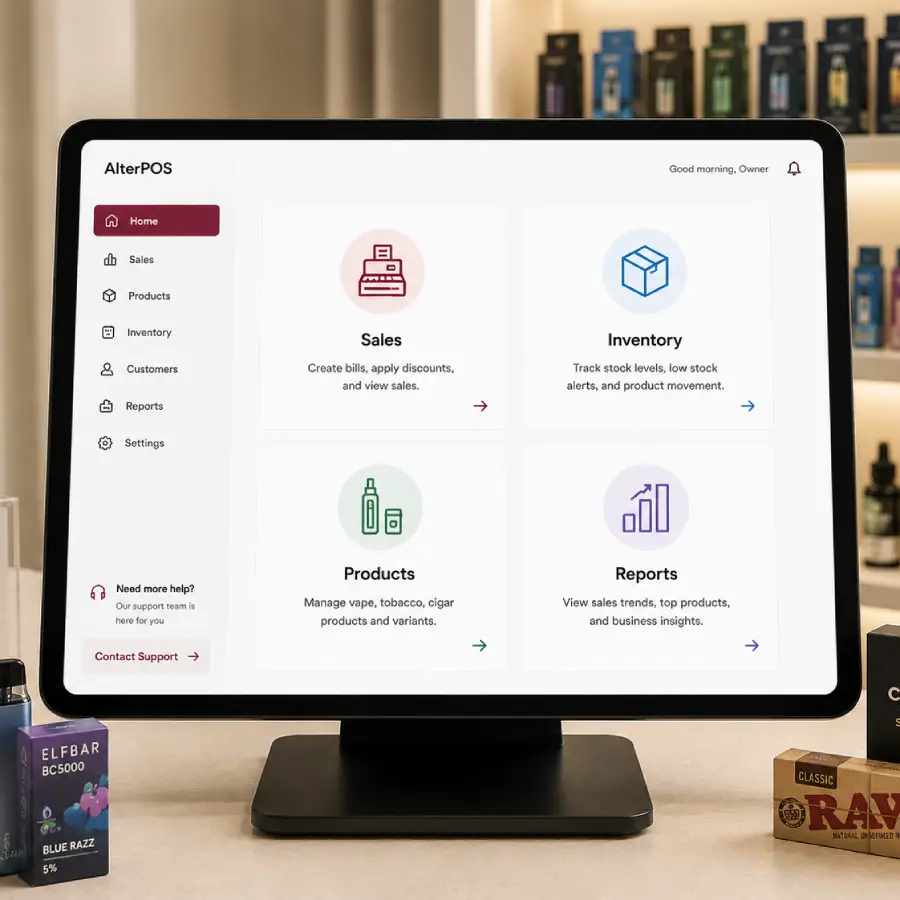
A POS system for smoke shop operations should match the counter flow. Staff need quick product lookup, and owners need a clear view of what is selling. AlterPOS connects billing and stock movement through an on-premise setup, so each sale is easier to process and review.

Without AlterPOS

With AlterPOS

Staff search manually through similar item names

Staff scan the barcode and select the correct product faster

Wrong item billed, receipt and stock both affected

Bill is accurate, stock updates automatically

Owner checks receipts manually to review the day

Daily sales report available without manual checking

Without AlterPOS

Staff search manually through similar item names

Wrong item billed, receipt and stock both affected

Owner checks receipts manually to review the day

With AlterPOS

Staff scan the barcode and select the correct product faster

Bill is accurate, stock updates automatically

Daily sales report available without manual checking

Plan Your Setup

Plan a POS Setup Around Your Smoke Shop Counter

Share how your store handles billing, products, and stock movement. AlterPOS can help you review the right hardware and software setup for your counter.

Smoke shop products and accessories collection

POS Features

Features That Keep the Counter Moving

The right smoke shop POS should make everyday work easier during billing and after the sale.

Variant Level SKUs

Manage flavors, nicotine levels, sizes, and device types as separate SKUs so similar vape products stay easier to track.

Price Control

Set product prices, offers, and item level changes in the POS so the counter does not depend on memory.

Low Stock Alerts

Get alerts when fast moving products need restocking, so popular items do not disappear from the shelf unnoticed.

Carton to Pack Tracking

Sell tobacco products by the carton or by the individual pack. Stock levels update correctly either way, so inventory counts stay accurate across pack sizes.

Daily Review

Sales reports show what sold and what needs attention without checking every receipt.

Loyalty Support

Customer records and loyalty support help stores recognize returning customers without slowing checkout.

Store Types

Made for the Way Smoke Shops Sell

A smoke shop POS should match the way each store sells. Whether the counter moves more vape items, tobacco products, cigars, or accessories, AlterPOS helps organize products into clear groups so staff can find them faster and owners can review sales with less confusion.

Vape Shops

Quick lookup for devices, pods, e-liquids, and flavor-based SKUs.

Tobacco Stores

Cleaner product grouping for packs, pouches, cartons, and related items.

Head Shops

Category control for glass pieces, papers, grinders, and accessories.

Cigar Shops

Organized billing for single sticks, bundles, boxes, and repeat buyers.

Multi Location Retail

Store level visibility when the business operates more than one location.

Smoke Shop

Organized billing for vapes, cigars, rolling papers, and other smoke shop products, helping staff move customers through checkout more efficiently.

  • Fast Product Lookup
  • Clear Stock Movement
  • Accurate Counter Billing
Offline smoke shop POS checkout system

Reliable Operations

On-Premise POS for Reliable Counter Work

A smoke shop counter cannot slow down just because the internet is unstable. AlterPOS supports an on-premise POS setup, so billing stays more dependable and daily records are easier for the owner to manage without relying only on an external connection.

Offline POS Support

Billing can continue during an internet slowdown, so the counter does not pause while customers are waiting.

On-Premise Setup

The POS is installed for store based use, giving owners more direct control over daily billing and records.

Local Data Control

AlterPOS keeps sales, stock, and report data on your own hardware instead of only outside servers.

Owner Advantages

What Changes for the Store Owner

A smoke shop POS system should make the day easier after checkout. Clearer records and daily reports help owners spend less time checking small issues manually.

Less Guesswork

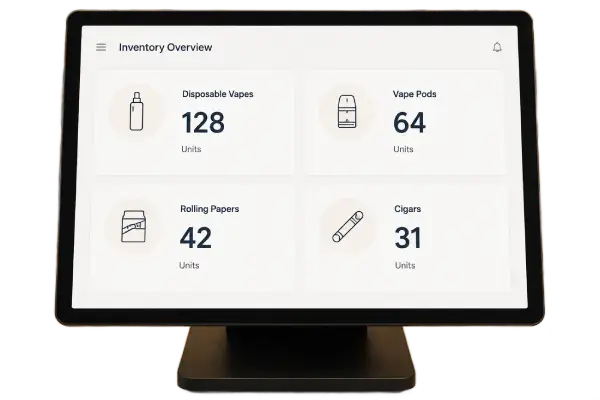
Owners can review sales and stock from the system instead of relying on memory.

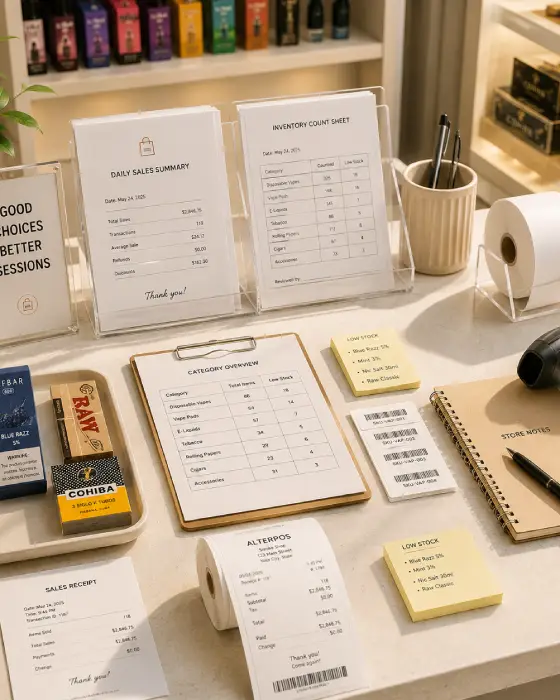
Smoke shop POS inventory overview
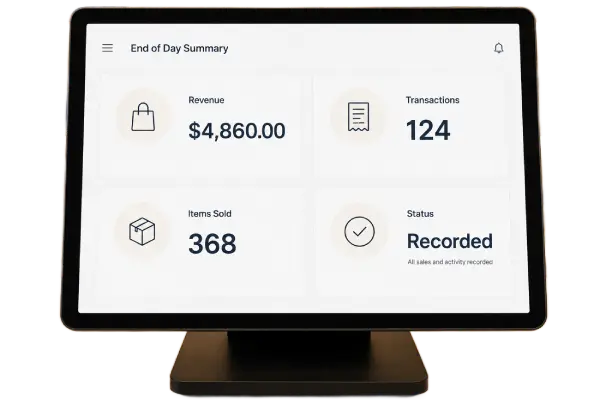
Smoke shop POS daily sales summary

Cleaner Closing

Daily review becomes easier when sales and counter activity are already recorded.

Smarter Reorders

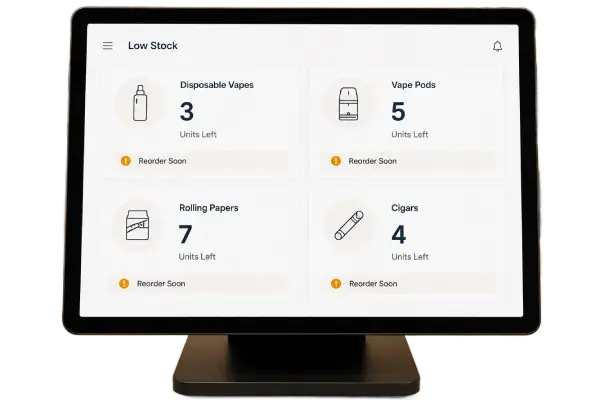
Fast moving products are easier to restock before they become a shelf problem

Smoke shop POS low stock alerts
Setup Process

How Your Store POS Setup Comes Together

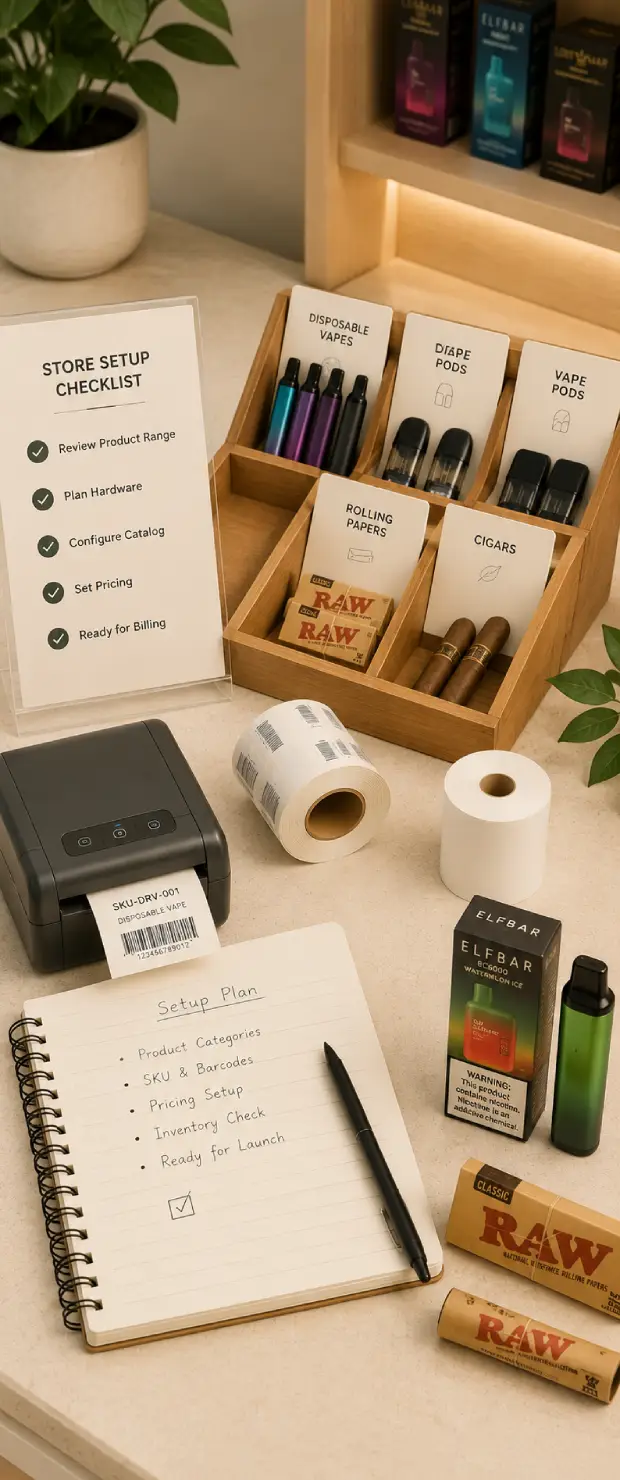
A smoke shop POS should be planned around the counter before installation. AlterPOS helps with setup, training, and support so the system fits daily store work.

01

Understand the Counter

The store layout, product range, and checkout needs are reviewed before setup.

02

Plan the Hardware

The POS terminal, scanner, printer, cash drawer, card reader, and display options are selected based on counter use.

03

Set the Products

Products, categories, pricing, and inventory details are configured for easier billing.

04

Train the Staff

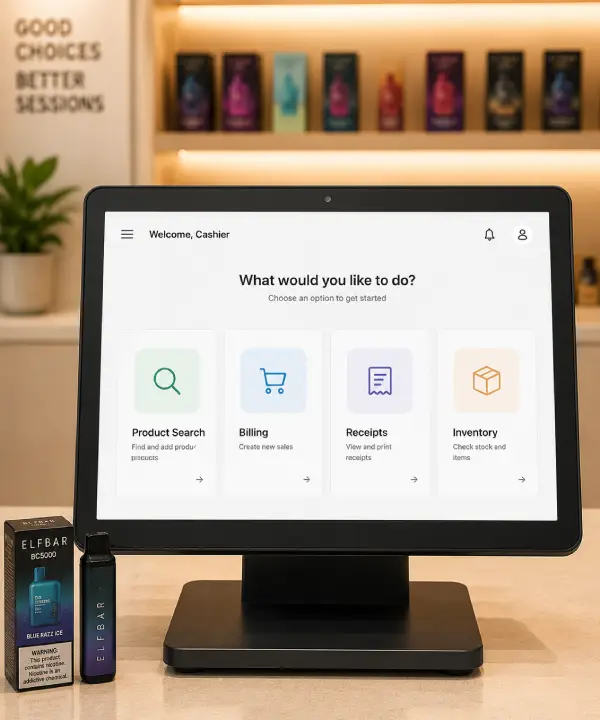
Staff learn how to use the POS for product search, billing, receipts, and daily counter work.

05

Support After Setup

Support helps the store keep the POS running properly after setup.

Smoke shop barcode and POS setup
Smoke shop POS operations dashboard Smoke shop barcode labeling station

Why AlterPOS

Why AlterPOS Fits Smoke Shop Operations

Smoke shop owners need more than a clean software screen. They need a POS setup that keeps the counter moving, keeps stock easier to trust, and comes with support when daily work depends on it.

On-Premise Use

AlterPOS runs from the store’s own setup, giving owners steadier control over billing and daily records.

Complete Setup

AlterPOS provides POS software and hardware for US retail businesses.

Guided Setup

Our team helps with setup, training, and support.

Daily Reports

Owners can review sales and product movement without checking every receipt.

US Based Support

AlterPOS supports US retail businesses with direct help by phone and chat.

Growth Ready

Multi store support can help owners manage wider visibility when the business expands.

Smoke shop POS management dashboard
Smoke shop sales and inventory records
Smoke Shop POS System

Need any help? Contact us today

+1(304)926-7506

Smoke Shop FAQs

FAQs

A smoke shop POS system helps staff bill the right product faster and gives owners a clearer view of what happened at the counter after each sale.

AlterPOS supports inventory tracking, product categories, and low stock visibility to help owners manage product movement more clearly.

AlterPOS supports local and offline friendly POS operation, depending on the store setup. This helps stores continue daily billing when internet access is limited.

Yes. The same setup can support vape shop, tobacco shop, cigar shop, and head shop product workflows based on how each store is configured.

Products with different flavors, nicotine levels, sizes, or device types can be set up as separate SKUs. This helps staff bill the right item and keeps stock cleaner for similar-looking products.

Setup starts with understanding the counter, planning the hardware, and configuring products. AlterPOS also helps with staff training and support after the system goes live.

Get Started Today

Set Up a Smoke Shop POS System That Fits Your Counter

Set up a POS that fits your counter, products, and stock flow.AlterPOS helps you review the right setup before you move forward.

Smoke shop products and accessories

Technology That Works the Way You Do

At AlterPOS, we create POS systems that reduce complexity and increase productivity. Trusted by growing businesses, our solutions help you serve customers better and operate with confidence.

Find Us

3712 venable ave Charleston wv 25304

Find Us

131 South End, Croydon CRO 1BJ,
United Kingdom

Contact No.

Sales : +1 (304)926-7506

Contact No.

Sales : +44 7562 893296

Reach Us Read Blog Contact Us Submit Support Ticket Watch Video Tutorial