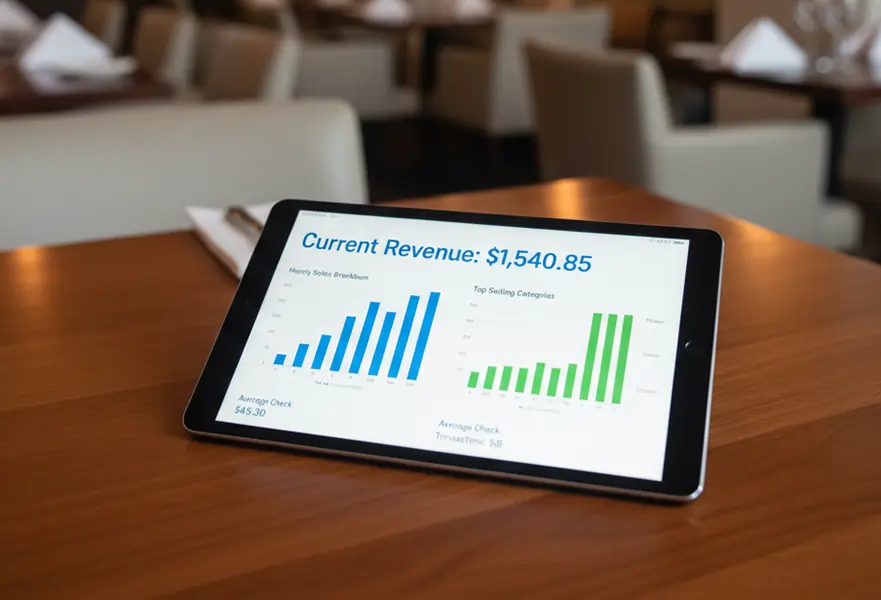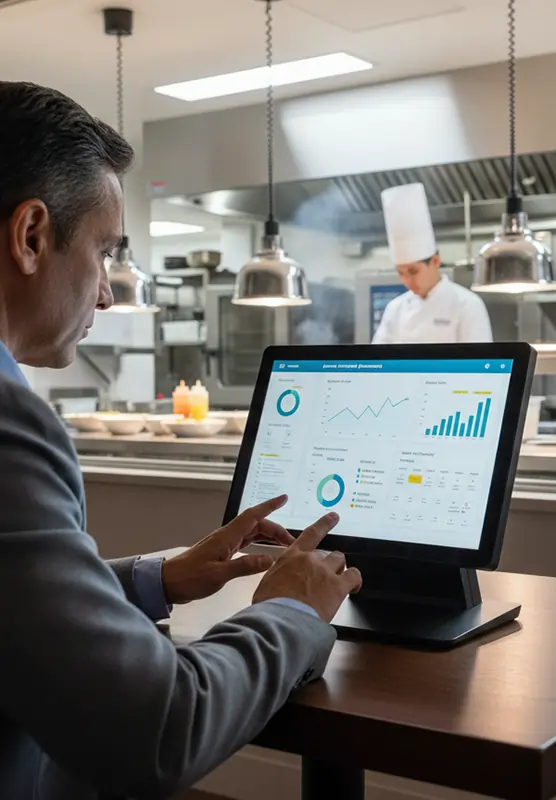
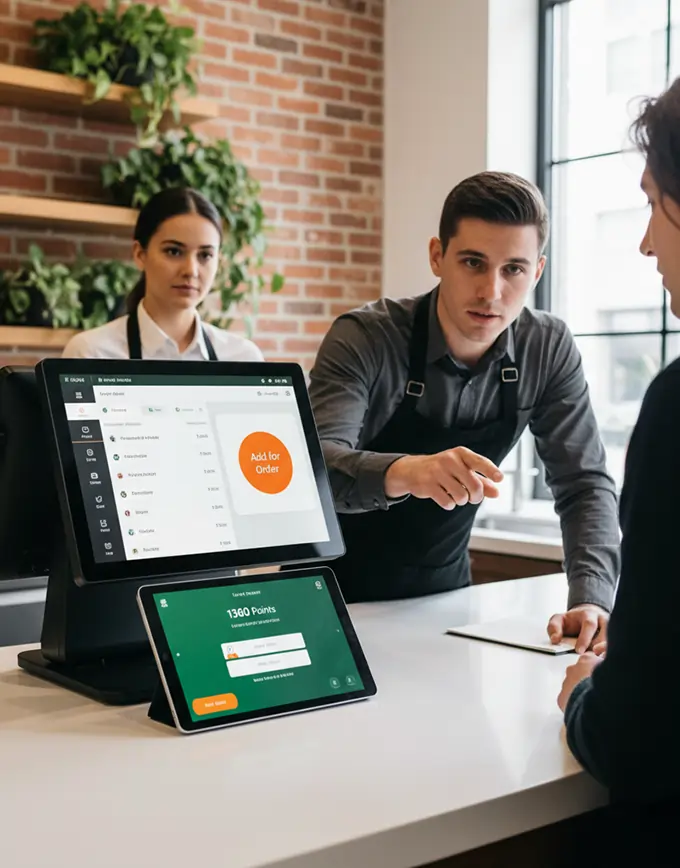
Restaurant POS sales reporting dashboard

Comprehensive Coverage

We provide end-to-end POS solutions for restaurants of all types.

Explore the POS System

Restaurant POS System to Simplify Daily Operations

Our Restaurant POS Management System helps you handle orders, billing, inventory, staff, and customer management from a single platform. Perfect for restaurants, cafes, fast food outlets, and cloud kitchens.

Restaurant-Focused Impact

Gain real-time insights to improve service and satisfaction.

  • Streamline orders and billing efficiently
  • Track inventory and manage stock easily
  • Improve customer service and satisfaction
  • Reduce errors and speed up operations
Why POS Matters

Why Restaurants Need a POS System

Managing a restaurant without a POS system can be difficult. It often causes mistakes, delays, and loss of revenue. Restaurants usually face problems like:
Slow order processing and long wait times for customers
Billing errors and mistakes in manual calculations
Confusion between staff and the kitchen
Poor inventory management causes shortages or waste
Hard to track sales and profits in real time
Managing staff schedules, roles, and performance by hand
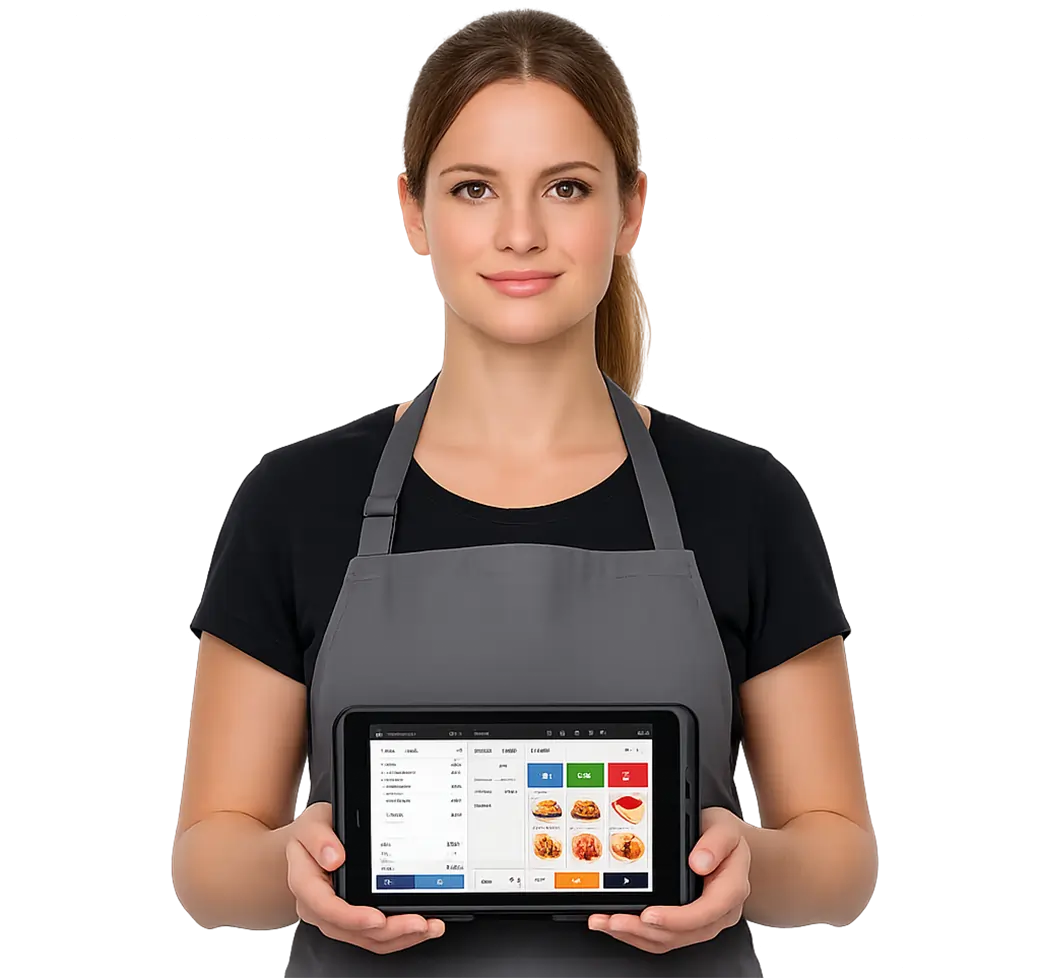
Restaurant staff using POS system

Explore All POS Features

Powerful POS Features for Complete Restaurant Control

Our Restaurant POS system lets you manage orders, billing, inventory, and staff effortlessly. Track sales, monitor performance, and optimize operations with advanced restaurant POS software.
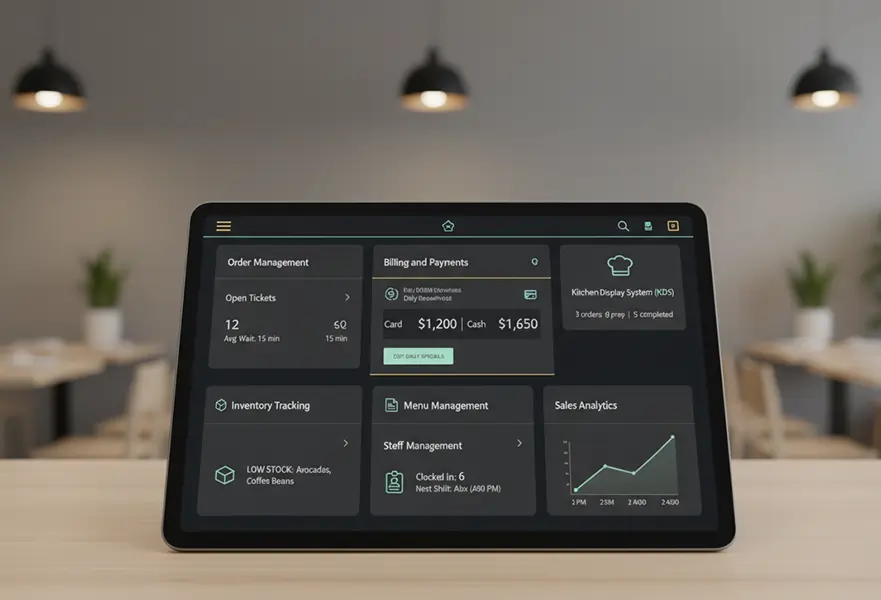
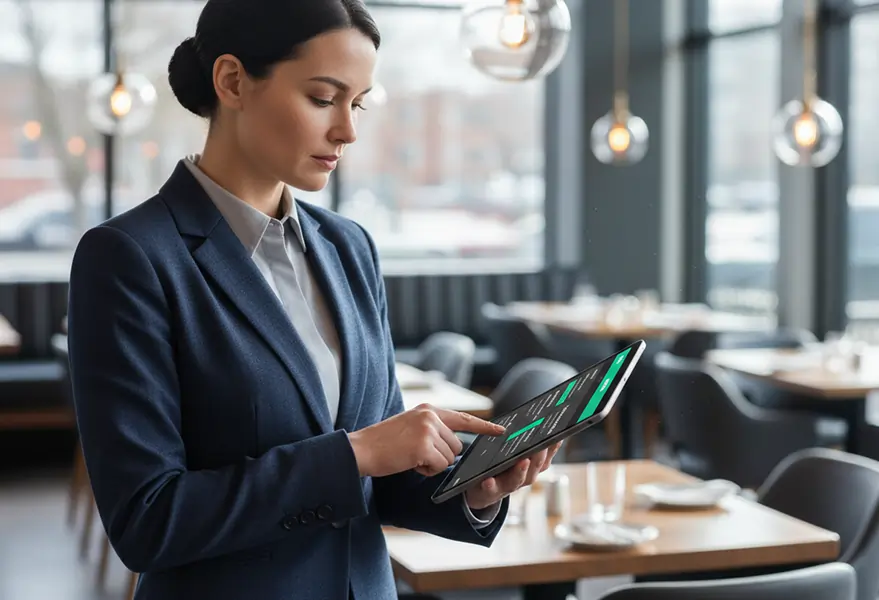
Restaurant POS advanced order management

Advanced Order Management

  • Table-side Ordering:Servers can take orders at the table. They use tablets to quickly send items to the kitchen.
  • Visual Menu: Clear images and good categories help staff find items on the menu quickly.
  • Custom Modifiers: Easily add special requests, allergies, or cooking preferences. For example, you can say "extra spicy" or "no gluten" to make sure customers are happy.
  • Multi-Channel Support: Manage dine-in, takeaway, delivery, and online orders all from one screen.

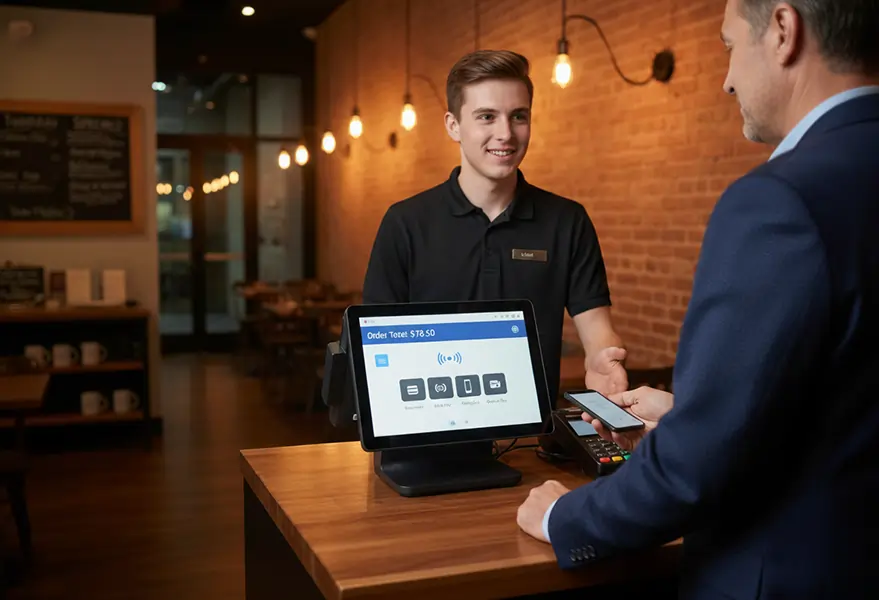
Restaurant POS billing and payment

Billing & Payment Management

  • Split Checks:Easily split bills by seat, item, or amount. Do this without slowing down checkout.
  • Multiple Payment Methods:Accept cash, credit cards, debit cards, and mobile wallets like Apple Pay and Google Pay. You can also use loyalty points.
  • Discounts & Vouchers:Apply promotional codes, happy hour discounts, or employee meals with a single tap.
  • Digital Receipts:Offer customers the option of email or SMS receipts to reduce paper waste.

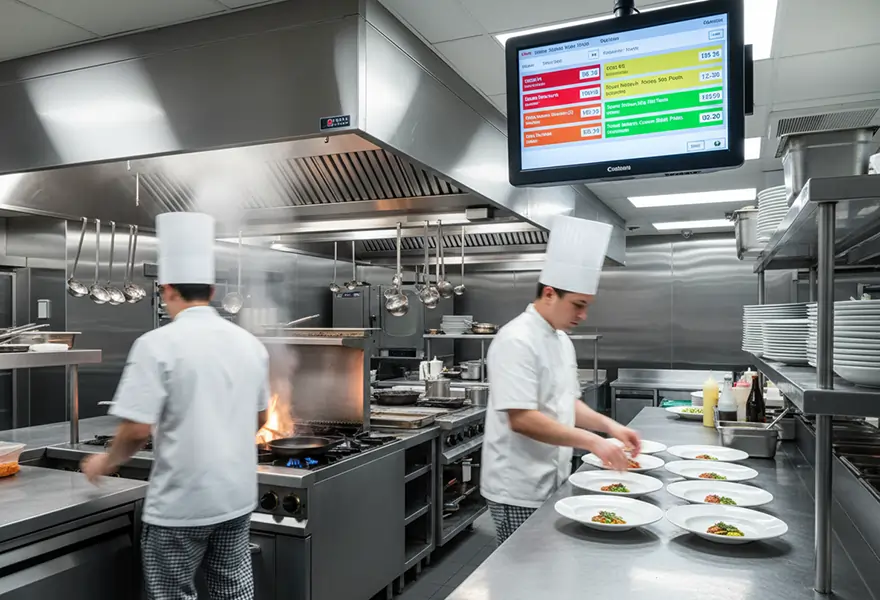
 POS kitchen display system in a restaurant

Kitchen Display System

  • Instant Routing:The system automatically sends orders to the right station. For example, drinks go to the bar, and appetizers go to the cold station.
  • Color-Coded Status:Orders change color based on how long they have been waiting. This helps chefs know which tickets to prioritize.
  • Paperless Workflow:Eliminate the mess and cost of thermal paper printers in the kitchen.
  • Bump Capabilities:Chefs can "bump" orders off the screen once completed, notifying servers that food is ready.

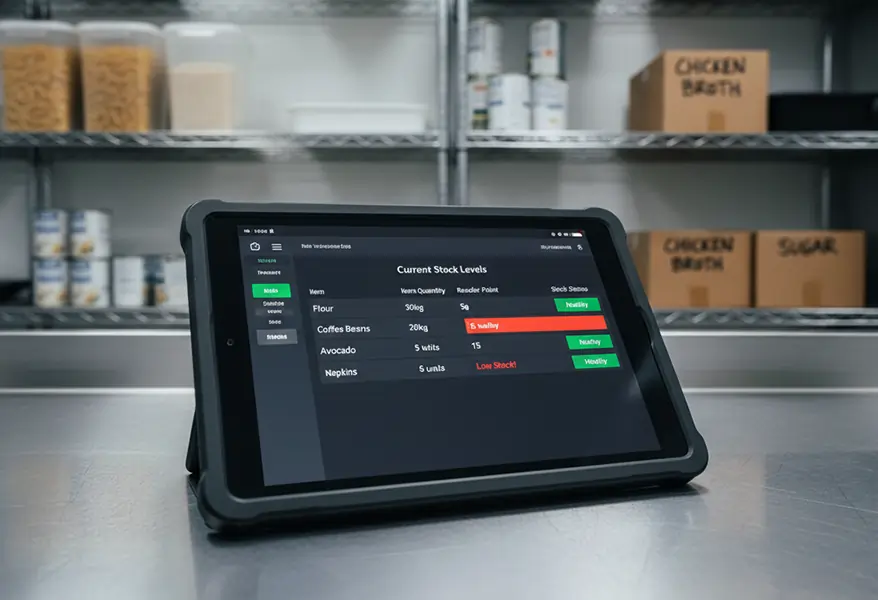
Restaurant POS inventory tracking

Inventory Management

  • Ingredient-Level Tracking: Map menu items to specific ingredients. When someone sells dishes, they automatically reduce the raw stock.
  • Low Stock Alerts: Get instant alerts when important items go below a certain level.
  • Waste Management: Keep a record of wasted or spoiled food. This helps track losses and improve kitchen efficiency.
  • Purchase Order Automation:: You can create purchase orders for suppliers directly from the system. This depends on the current stock levels.

Restaurant POS menu management

Menu Management

  • Real-Time Updates: You can change prices, hide unavailable items, or add specials right away at all terminals.
  • Time-Based Menus: Automatically switch between breakfast, lunch, and dinner menus based on the time of day.
  • Combo Management: Easily create and manage meal deals or combo offers to upsell customers.

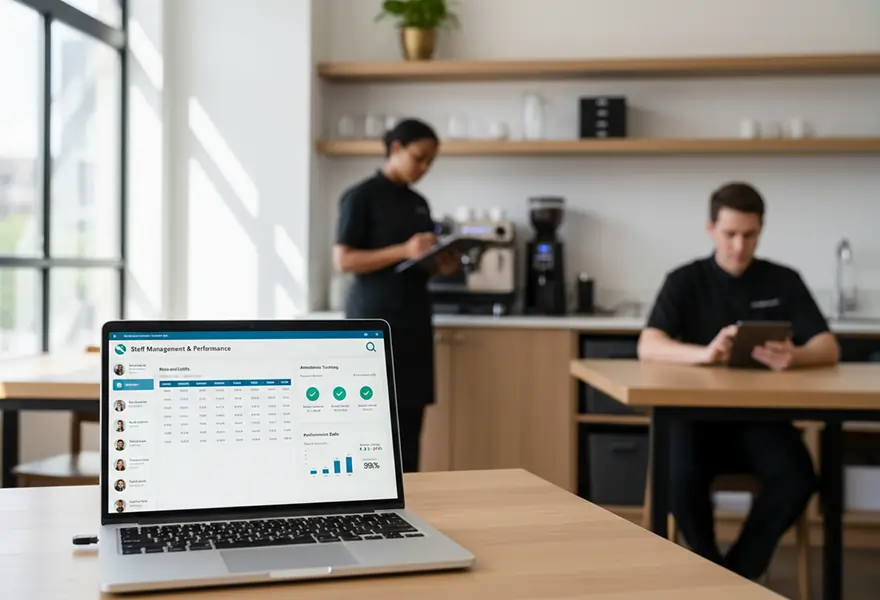
POS staff management in a restaurant

Staff Management

  • Secure Access Control: Give different access levels (Manager, Server, Cashier) to keep sensitive data safe.
  • Time & Attendance: The built-in clock-in and clock-out feature means you don't need a separate time clock.
  • Performance Tracking: Check sales reports for each server. This will help you find the best performers and those who need training.
  • Theft Prevention: Keep detailed logs of voids, comps, and no-sale drawer openings. This helps prevent internal shrinkage.

POS system reporting and performance

Sales & Analytics

  • Dashboard Overview: see a quick view of daily sales, number of guests, and average ticket size
  • Product Performance: Identify star dishes and low-performing items to optimize your menu engineering.
  • Sales Trends: Look at past data to forecast future demand and adjust staff levels as needed.
  • Exportable Reports: Download financial data in CSV or PDF formats for accounting purposes.

Let’s Connect

Smarter POS for Modern Restaurants

Manage orders, billing, kitchen, and inventory from one powerful restaurant POS system.

  • Fast Order & Billing Management
  • Kitchen Display System (KDS) Integration
  • Real-Time Inventory Tracking
  • Staff & Role Management

Discover POS Benefits

Why Top Restaurants Trust Our POS System

Our restaurant POS system is trusted nationwide for its reliability, speed, and ease of use. Restaurants count on it to simplify operations and improve service.

Easy to Use

The simple design helps your staff learn the system in just a few minutes.

Quick Performance

Stay on track, even during the busiest times.

Easy Integration

Designers create hardware and software to work together. This helps to eliminate downtime.
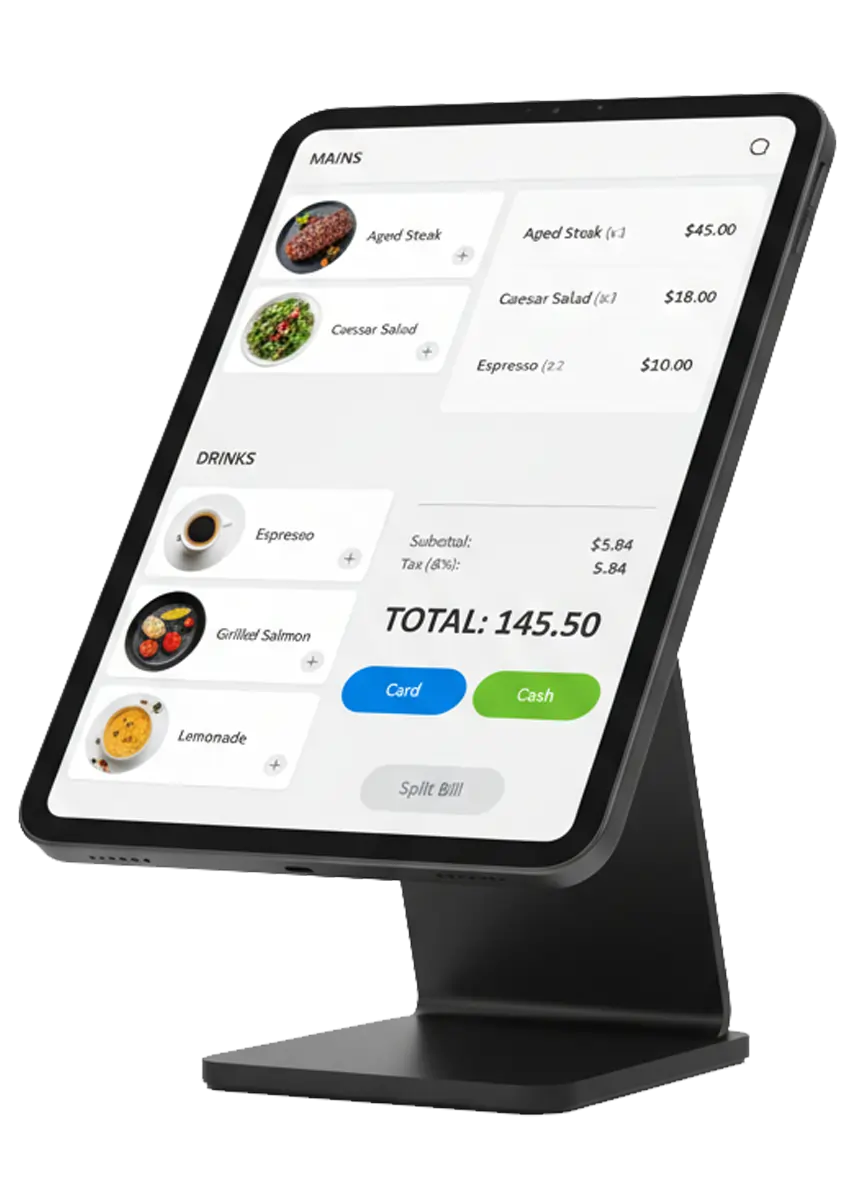
best restaurants pos system

Instant Setup & 24/7 Support

Start quickly with dedicated experts who are always ready to help.

Grows With You

Scalable for single cafes or multi-location brands so your POS evolves as you expand.

Increases Revenue

Reduce errors, speed up service, and improve customer satisfaction. This leads to higher profits.

Join Trusted Restaurants

Trusted by the Best in the Business

Our POS system is a great choice for anyone in the food and beverage industry. It helps those who want to grow and work more efficiently. This includes:
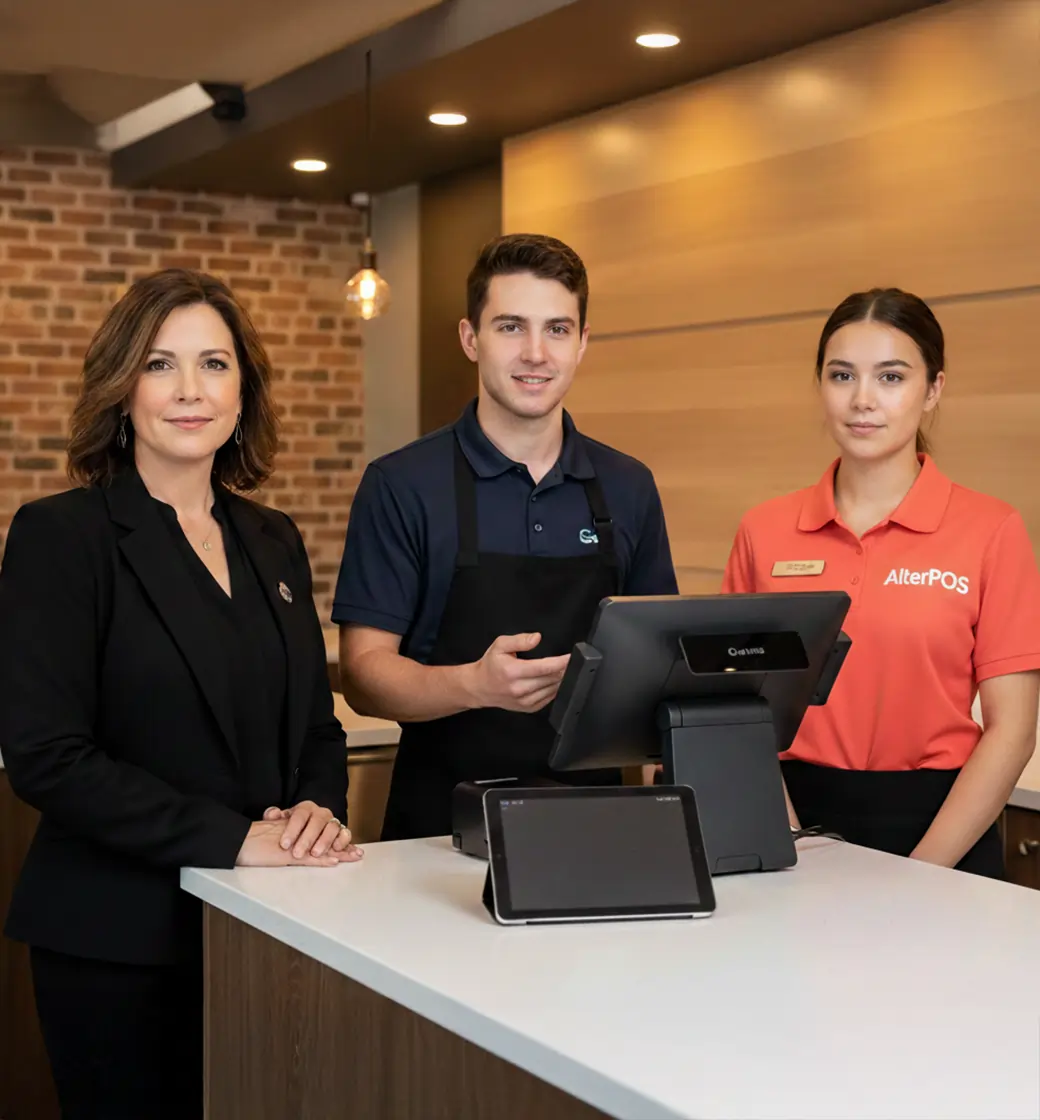
Restaurants of all sizes
Cafes and coffee shops
Fast food outlets
Food courts
Cloud kitchens
Multi-location restaurant
Restaurant POS system trusted by restaurants

See It in Action

How Our Restaurant POS Streamlines Orders, Billing, and Inventorys

Our Restaurant POS system simplifies daily operations by streamlining orders, billing, inventory, and staff management. Track sales, monitor performance, and manage your restaurant efficiently with ease.

Step 01

Setup & Configuration

We upload your floor plan, menu, and staff details into the system.

Step 02

Order Taking

Staff punch in orders via touchscreen terminals or handheld devices.

Step 03

Processing & Prep

Orders appear immediately on the Kitchen Display System; inventory updates automatically.

Step 04

Payment & Analytics

The customer pays using their preferred method. We store data for quick reporting and analyzing.

Let’s Connect

Ready to Upgrade Your Restaurant Operations?

Upgrade your restaurant with technology that drives efficiency and growth.
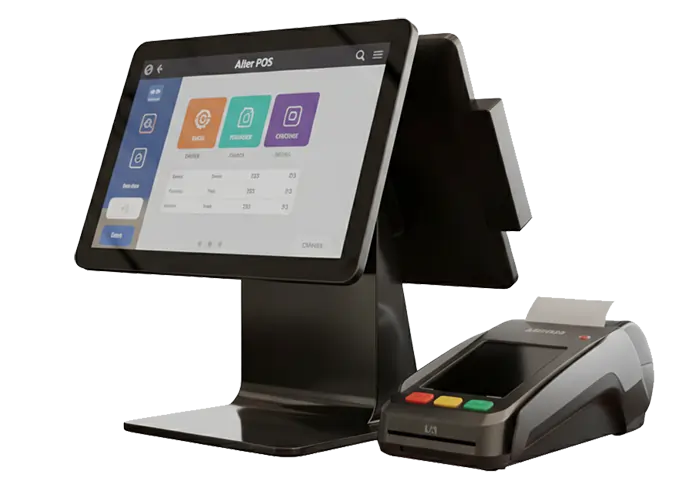
Smart POS Features
Find Answers

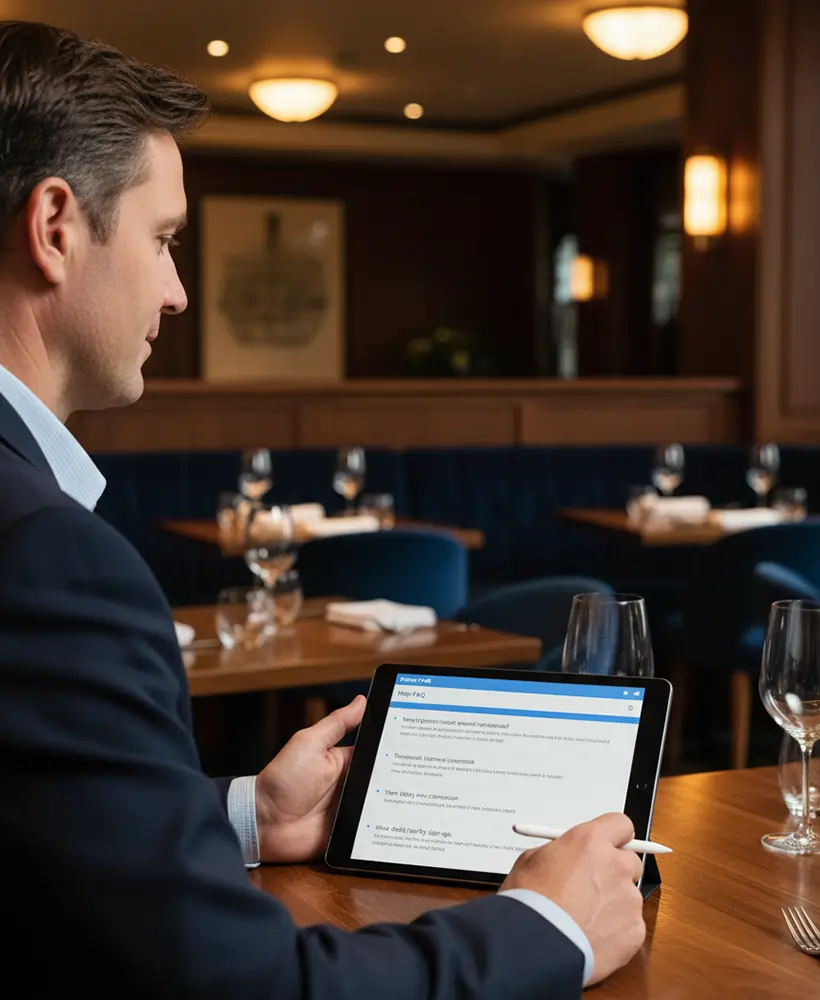
Frequently Asked Questions

Have questions? We have answers. Check out our restaurant POS FAQ section. You will find all you need to know about setting up and running your business with our system.

A Point of Sale (POS) system uses software and hardware. It helps businesses take orders and process payments. It also manages operations. The system connects front-of-house service with the kitchen and back-office reporting.

AlterPOS securely stores your sales, menu, and employee data within the system, ensuring reliable access and smooth daily operations.

Our system features real-time inventory tracking. It automatically retrieves ingredients from stock when someone places an order. It can also alert you or create purchase orders when stock is low.

A standard setup usually has touchscreen terminals like iPads or Androids. It also includes thermal receipt printers, impact kitchen printers, a cash drawer, and a card reader. Our software works with many types of standard hardware.

In many cases, yes. Our software integrates with many popular third-party devices. If you have POS system questions regarding compatibility, our team can review your current setup.

Our system includes an Offline Mode that allows you to continue taking orders and printing tickets. Once the connection is restored, all data is safely updated within the system.

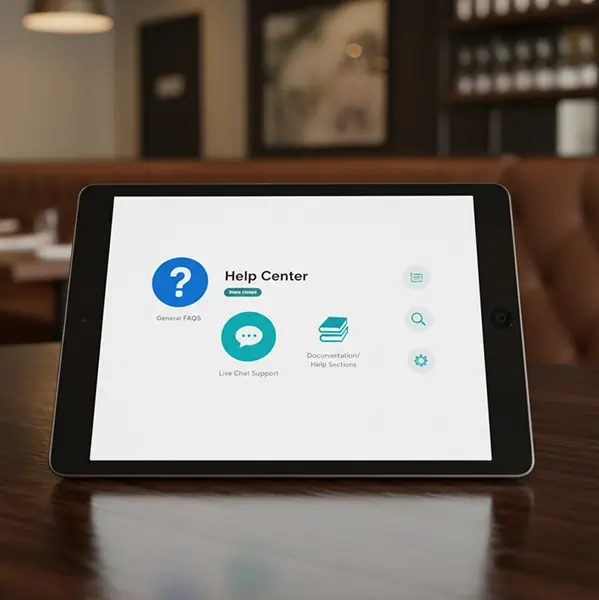
We offer exceptional POS support 24/7 via phone, email, and live chat. We also provide an online knowledge base with video tutorials and setup guides.

Yes. Our system connects directly with major delivery platforms. This lets online orders go straight into your POS and kitchen display system.

Technology That Works the Way You Do

At AlterPOS, we create POS systems that reduce complexity and increase productivity. Trusted by growing businesses, our solutions help you serve customers better and operate with confidence.

Find Us

3712 venable ave Charleston wv 25304

Contact No.

Sales : +1 (304)926-7506

Reach Us Read Blog Contact Us Submit Support Ticket Watch Video Tutorial