Connect Microsoft Tenant
Go to the Monitor360 integrations panel and select Connect Microsoft Tenant. Authorize through Microsoft OAuth authentication. No passwords shared. No complex configurations needed.


Track Microsoft Tenant user activity in real time across all apps. Gain accurate visibility into work hours and employee productivity from one centralized platform.
 with Microsoft
  Tenant Integration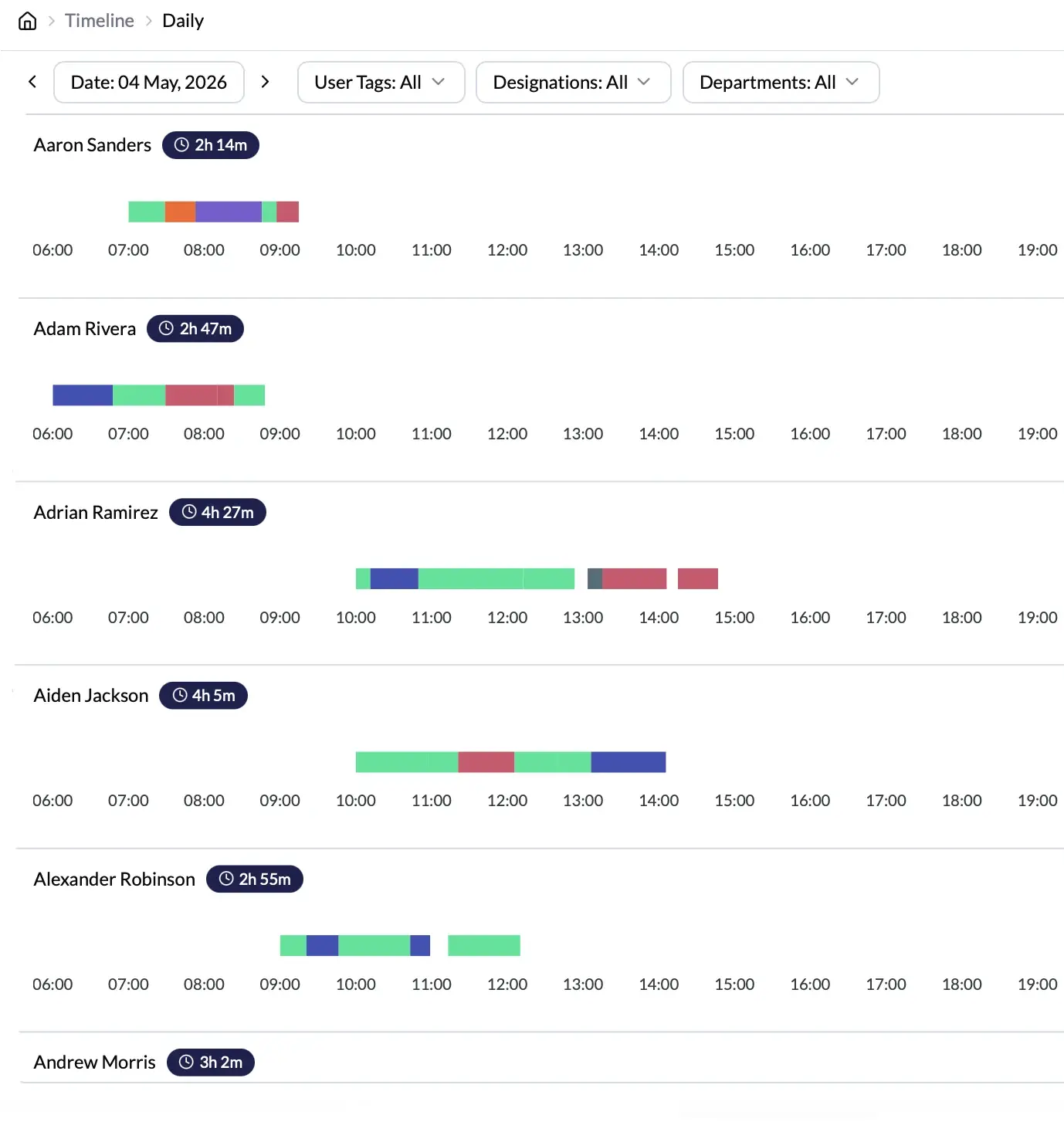
Microsoft Tenant is the backbone of how modern organizations manage identity, access, and collaboration. It keeps your team connected, but it never shows you how productively your team spends those hours because nobody built it for that purpose.
Monitor360 bridges this gap. By connecting to your Microsoft Tenant directory, Monitor360 imports your users automatically. It tracks work hours, activity, and productivity as soon as employees clock in.
With Monitor360, you can:
Real-Time Microsoft Tenant User Monitoring
Track work hours, active time, and idle time automatically
Measure employee productivity and performance from one dashboard
Access centralized productivity reports for billing and analyzing
Manage remote and hybrid teams with complete workforce visibility
 Monitor360 with Microsoft Tenant?
 Monitor360 integrates with Microsoft Tenant for unified employee tracking and delivers real-time visibility into activity, work hours, and productivity from a single platform.
Import employees directly from your Microsoft Tenant directory with automatic name and email sync.
Connect securely using Microsoft's own OAuth authentication. No third-party connectors, no complex API configurations, and no IT tickets required.
Monitor360 provides real-time activity tracking, automated timesheets, app and URL usage monitoring, and productivity insights all in one place for every Microsoft Tenant user.
Quickly add new employees from Microsoft Tenant while keeping all user management centralized and scalable. Reduce onboarding admin time by up to 3x.
 of Monitor360 + Microsoft Tenant
  Integration
Integrate employee monitoring software that simplify administration, enhance visibility, and improve operational efficiency.
Track app and website usage for every imported Microsoft Tenant user. View active applications, time spent, and work activity during office hours with zero manual input required.
Automatically log active hours, idle time, and breaks for every employee. Generate accurate, billing-ready timesheets instantly for payroll processing and performance reviews.
Capture employee screenshots at custom time intervals.Review visual work activity without constant manual supervision.
View any employee's screen in real time directly from the Monitor360 dashboard. Manage remote teams, resolve work activity issues faster, and maintain accountability without being intrusive.
Generate daily and weekly productivity reports for every Microsoft Tenant user. Track active time, idle time, app usage, and productivity scores by user, team, and project. Reliable data for client billing, payroll, and performance reviews.
 Visibility of Microsoft Tenant
  Users in Real Time
 + Microsoft Tenant
  Time Tracking Works
 Save time on manual team management. Get your Microsoft Tenant users into Monitor360 and start tracking productivity in under 10 minutes.
Go to the Monitor360 integrations panel and select Connect Microsoft Tenant. Authorize through Microsoft OAuth authentication. No passwords shared. No complex configurations needed.
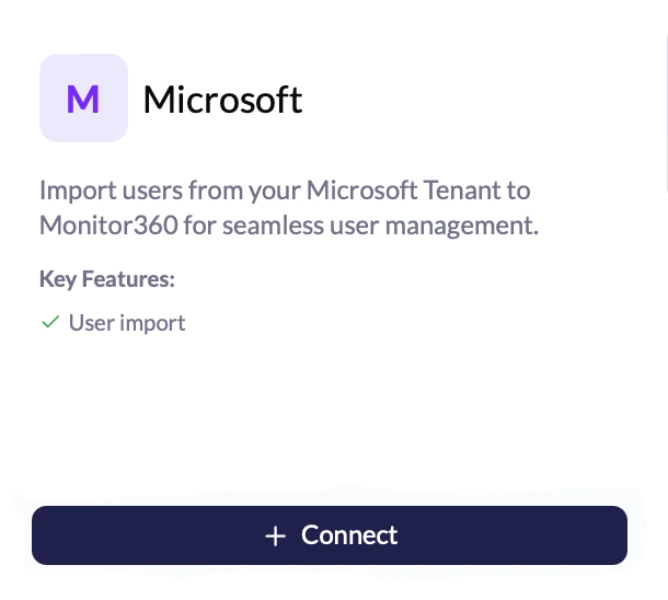
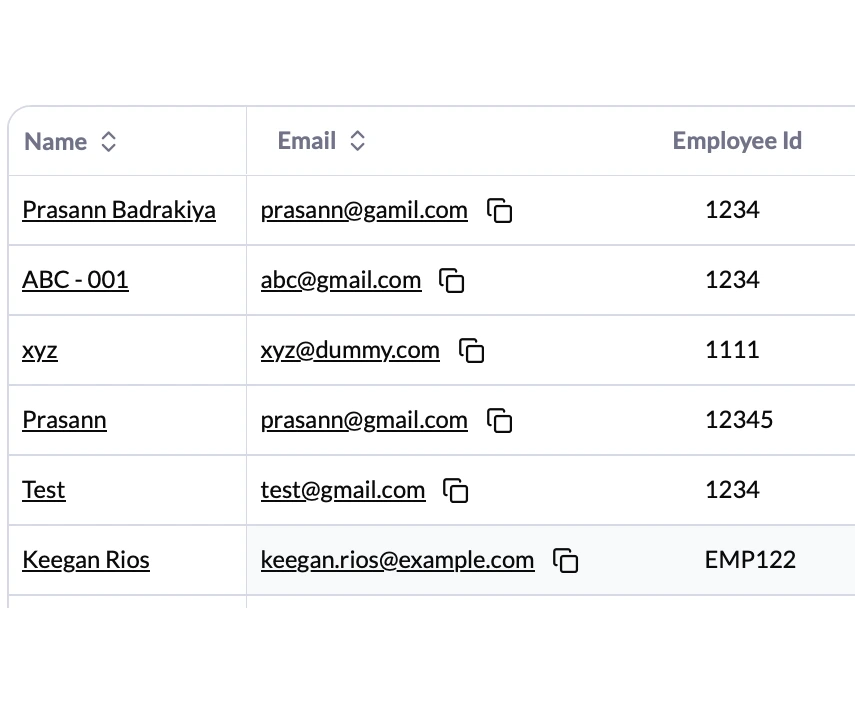
Monitor360 imports all users from Microsoft Tenant directory, including names, emails, and roles. New hires added to your tenant sync automatically going forward.
Organize imported users into teams, assign shifts, and configure monitoring preferences. Customize activity tracking rules per department or role.
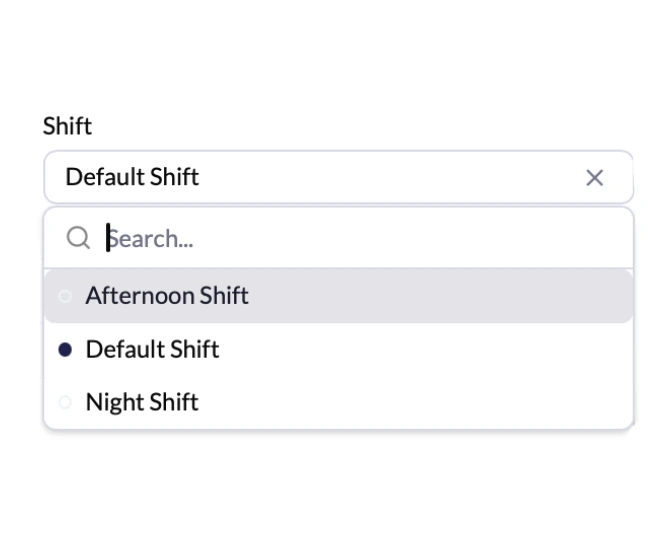
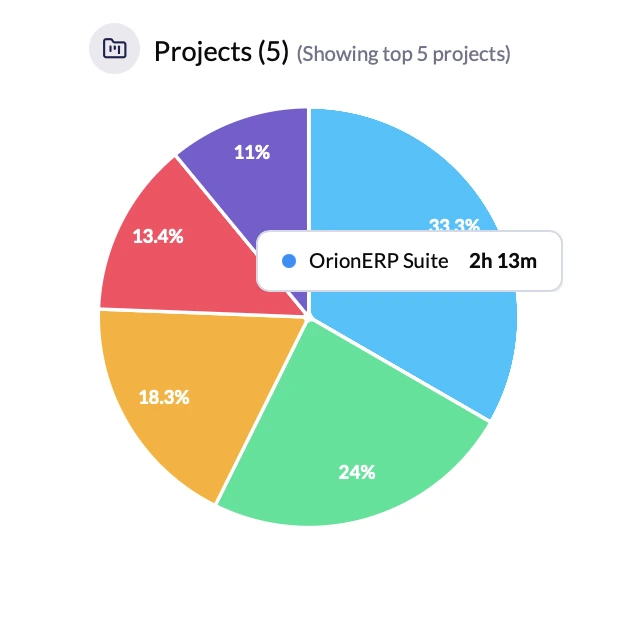
From the moment employees clock in, Monitor360 tracks work hours, app use, screenshots, and productivity scores in real time. All it appears in one central dashboard.
 from Microsoft
  Tenant Integration
 Microsoft Tenant integration with Monitor360 helps businesses of every size monitor workforce productivity and improve operational efficiency.

Sync remote employees from Microsoft Tenant into Monitor360 for unified visibility and real-time productivity tracking.

Centralize onboarding, attendance tracking, payroll, and workforce data in one system.

Track productivity, workloads, and project progress with real-time workforce insights.

Automate user management, account setup, and access control across Microsoft Tenant and Monitor360.

Manage multiple clients and teams with centralized time tracking and accurate billing reports.

Improve productivity tracking and automate daily operations without changing existing Microsoft Tenant setup.
 Stays Private
  and Secure
Monitor360 only accesses the Microsoft Tenant employee directory data required for workforce management names, emails, and role information. Personal emails, OneDrive files, Teams messages, and private user content remain completely untouched.

 About Microsoft Tenant Integration
This section answers common questions about Microsoft Tenant integration, setup time, and data privacy. It also covers automatic user sync, reporting, and trial access.
No. Monitor360 only reads employee directory data from Microsoft Tenant, including names, emails, and role details needed for setup. Private emails, OneDrive files, Teams messages, and personal content remain untouched.
Most organizations complete setup in under 10 minutes. Connect Microsoft Tenant via OAuth, sync users, organize teams, and start tracking with no IT involvement for standard setup.
New users added to Microsoft Tenant sync automatically into Monitor360, keeping the employee list updated without manual work.
Yes. Monitor360 generates exportable time and productivity reports per user, team, and project for billing and client analysis.
Yes. A 7-day free trial is available with full access to Microsoft Tenant integration and all Monitor360 features, no credit card required.
At AlterPOS, we create POS systems that reduce complexity and increase productivity. Trusted by growing businesses, our solutions help you serve customers better and operate with confidence.
3712 venable ave Charleston wv 25304
131 South End, Croydon CRO 1BJ,
United Kingdom
Sales : +1 (304)926-7506
Sales : +44 7562 893296